What is drone photogrammetry?
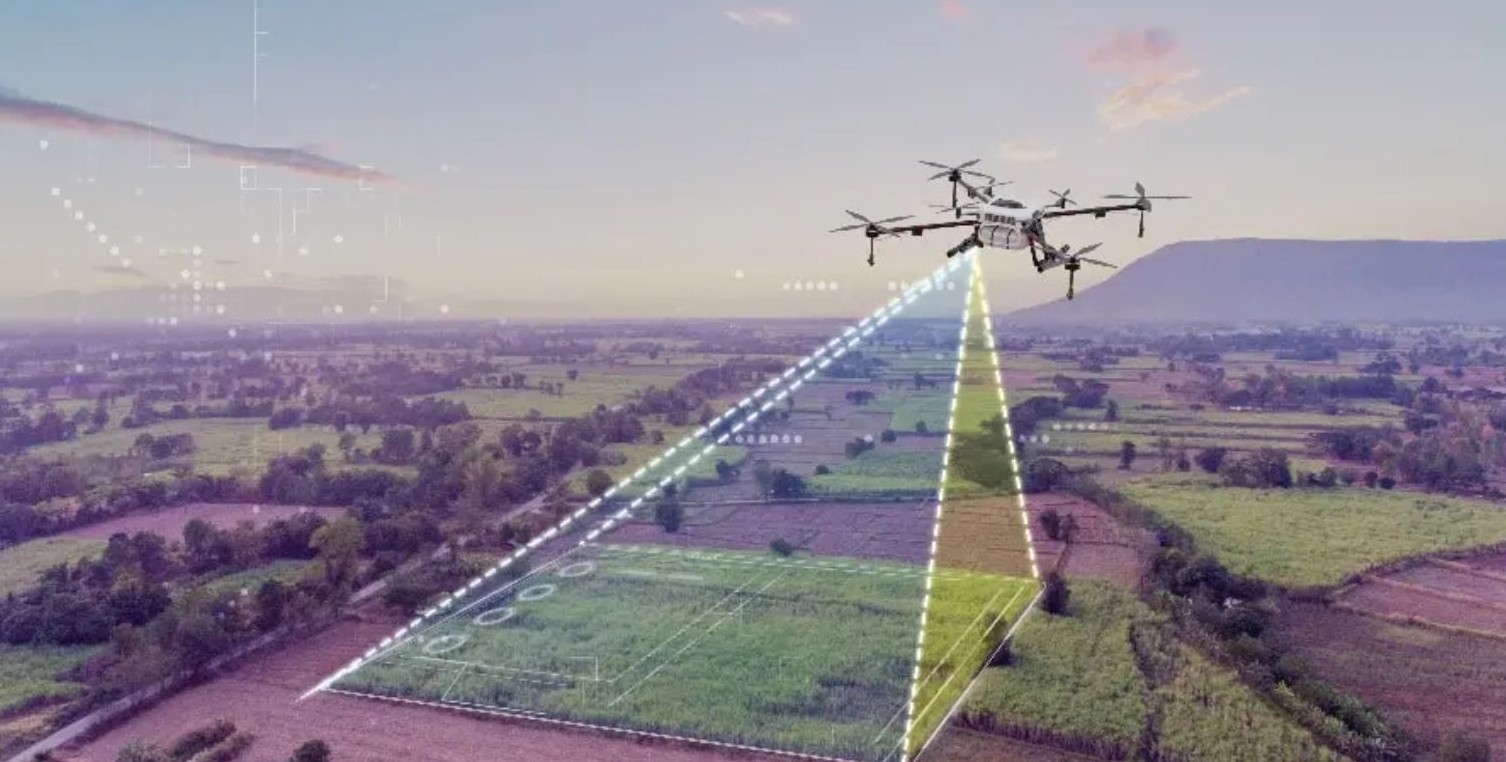
Photogrammetry is the process of extracting object information from a set of images or a video. The process is done by capturing many images of an object at different angles, then using software to combine the images together to create a 3D model of the object.
The user can utilize drones equipped with high-resolution cameras to capture arial videos/images of a specific area or object. This is then processed using specialized software to create 3D models.
Drone photogrammetry can be done using the drones which are loanable from uCreate. Book drones via our online booking system.
For procedures when loaning out a drone, see the Health and Safety section below.
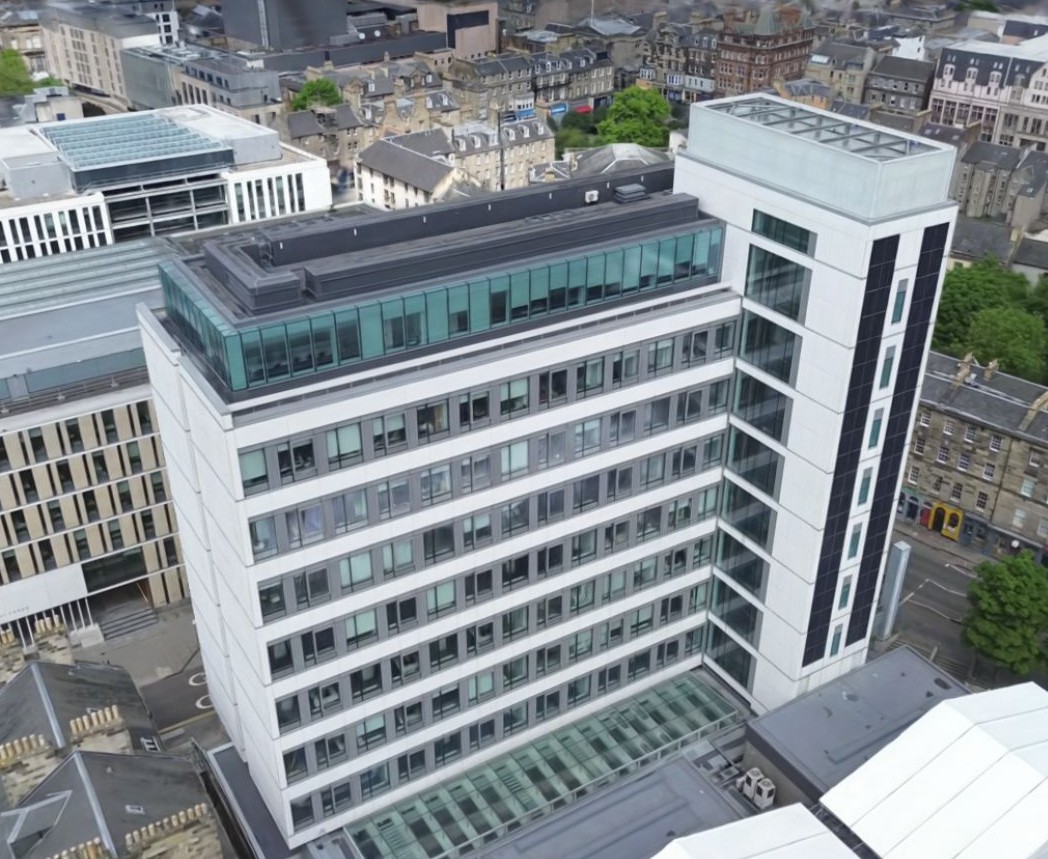
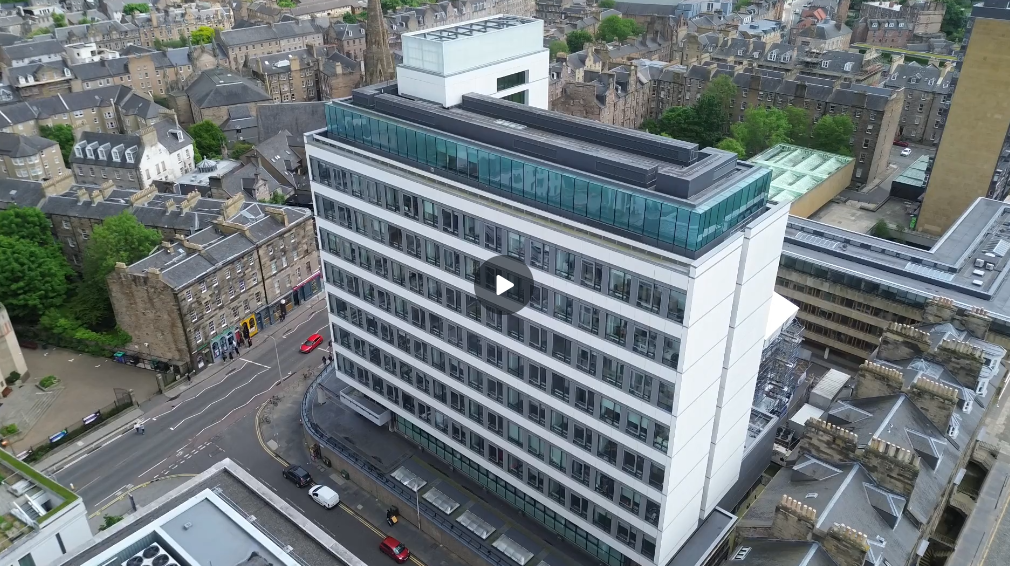
The video below shows drone footage (that can be used to create a 3D model) of Appleton Tower in Central Campus of the University of Edinburgh.
Health and Safety.
When loaning out a drone, you will need to:
- Have a registered UK government flyer ID. Getting a flyer ID is free but you must complete a short test, you can do so here: https://register-drones.caa.co.uk/individual
- You can check if you are registered here: https://register-drones.caa.co.uk/check-a-registration
- Understand that you are liable for the safe operation of the drone and must adhere to the laws as described when obtaining their flyer ID.
- Register as a drone pilot with the university here: https://uoe.sharepoint.com/sites/drone-management/SitePages/DronePilotRegister.aspx
- Not take the drone outside of the UK.
- Not fly the drone in high winds or rain.
The following are reminders about some of the key points of drone safety and regulation:
- You may not fly into restricted areas as shown by the drone application.
- You must have an observer beside you (who can see the drone) if you are flying using only the screen. Ensure you or your observer have unaided line of sight of the drone at all times.
- There are no legal circumstances in which you can fly the drone directly over a crowd.
- You may never fly more than 120m above ground level.
- You must wear the high visibility vest at all times while flying the drone.
- Check for any tall structures, such as cranes, masts and wires. Do not fly if there are structures in the area that will mean it’s not safe or legal.
- Report any dangerous incidents, near misses or suspicious activity (that could have harmed people or aircraft) here: https://e2.aviationreporting.eu/reporting
- Do not violate data protection laws by filming people in their homes or gardens.
- Store data captured safely and delete any footage of members of the public that is not needed/used.
What could I use drone photogrammetry for?
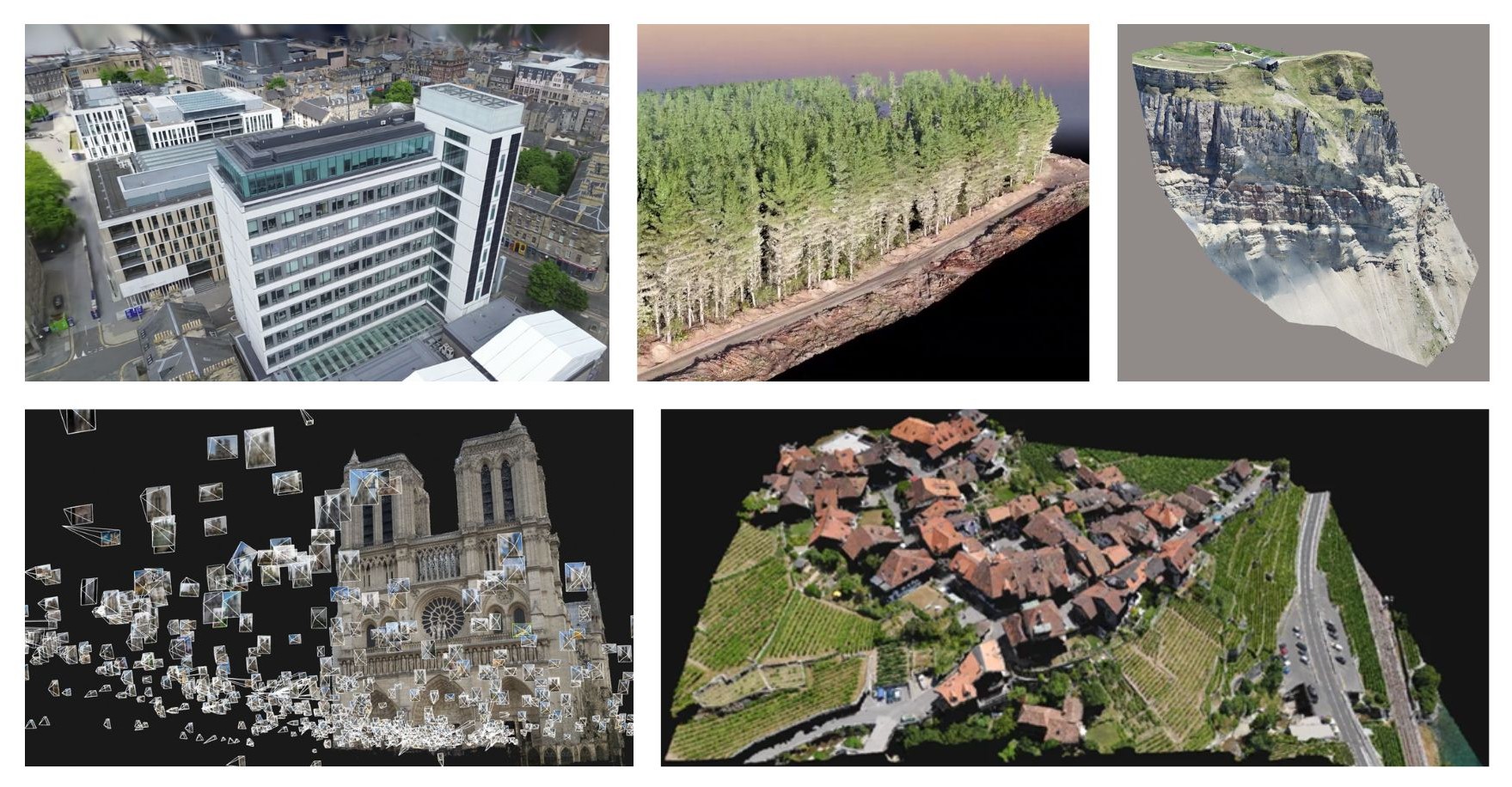
Drone photogrammetry is primarily used to make accurate 3D reconstructions of environments and architecture using high-resolution arial data from drone footage.
Some examples are:
- Construction and agricultural observation.
- Heritage conservation for large cultural sites.
- Environment mapping and accuracy (especially for digital reconstructions of real places).
- Think how the conservation team at the Notre Dame approached the Assassin’s Creed team to use their 3D assets when rebuilding.
- Land surveying and environmental research.
What is an alternative method of large environment mapping?
Another option for large environment mapping is our Lidar 3D Scanners available on the uCreate booking system.
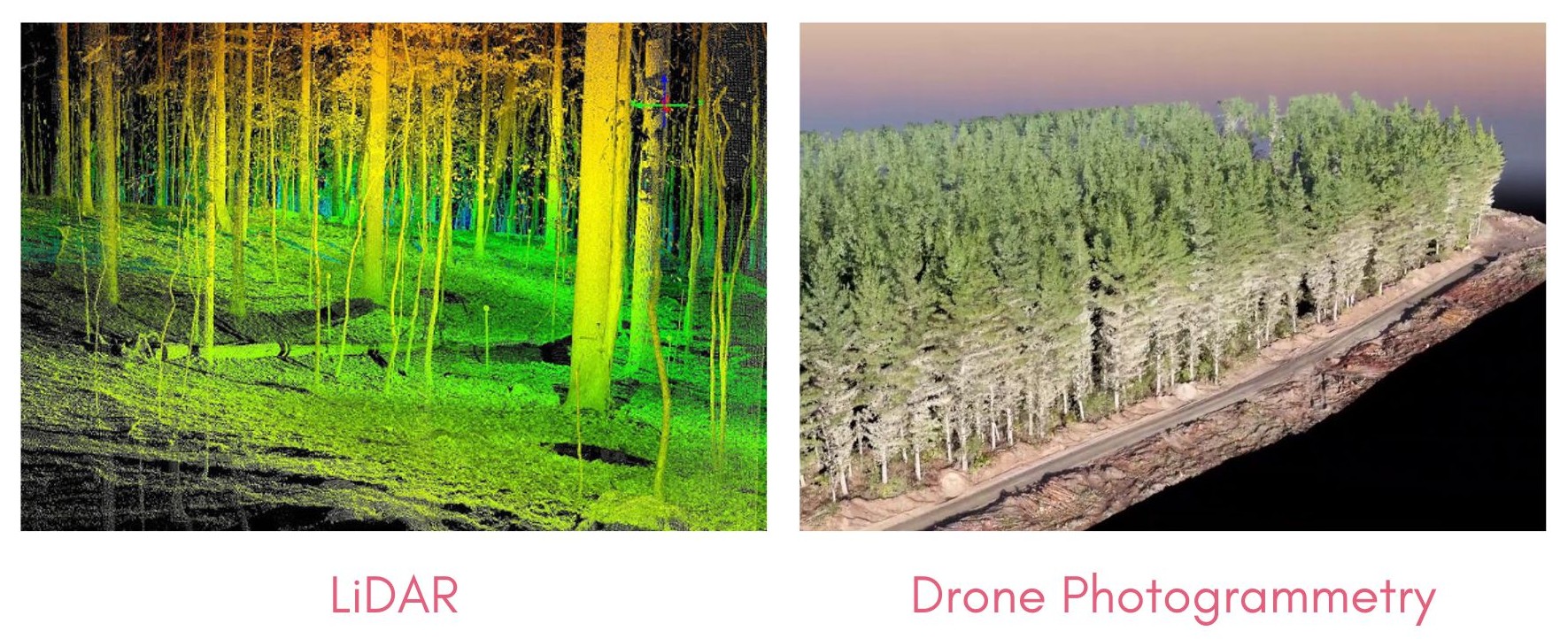
LiDAR uses 3D scanning within the environment as opposed to processing photo or video data – which is less ideal when working in an area with constant movement or many obstructions.
Whether you are able to use LiDAR scanning instead of drone photogrammetry will depend on your use case. All uCreate LiDAR's are static and tripod mounted. This means that you are only able to scan from floor level, rather than from above, like a drone can. The image below shows a forest scanned using LiDAR vs drone photogrammetry.
An additional training is required to book the Lidars. Check our trainings calendar to see when the next Lidar training will take place.
Where can I access the drones?
Drones are available to book using our booking system located on the uCreate booking system.
As there are specific requirements for operating drones, we ask you to come with the required pilot ID and University registration complete when collecting your drone. Staff are available to help if necessary.

The process of using drone video footage for photogrammetry - using Luma AI.
Drone photos and videos can be used for photogrammetry using a variety of tools and softwares. A common software is Reality Capture. Reality Capture is used as part of the Arago Rigster workflow.
The following workflow uses an easy to use online tool for making fast 3D models from drone footage.
1. Book out a uCreate drone on our booking system.
Ensure you have registered for your flyer ID and as a university drone pilot.
Details in Health and Safety section above.
2. Capture a full 360 video of your subject environment in ONE take.
Take the video from farther away to ensure the entire environment is visible from a single take.
Transfer the video from the camera to your computer using the Micro SD card once you have a finished filming.
3. Follow the link below to create an account at Luma AI.
LumaAI is the software used to convert video data into a 3D reconstruction.
https://lumalabs.ai/dashboard/captures

4. Once you have created your account, click on the ‘Create’ button at the top right of the screen.
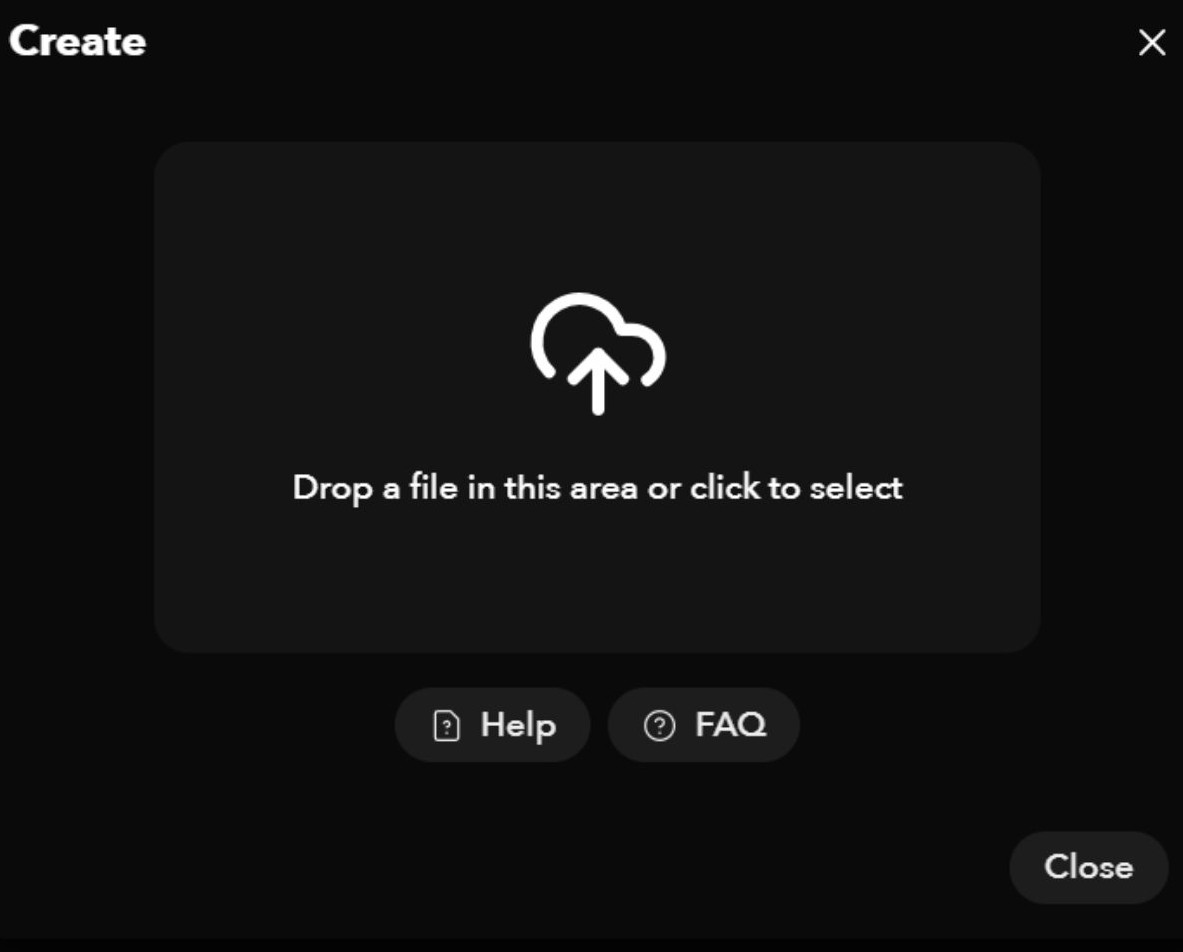
5. Upload your video file captured by the drone and add a title to your project.
You may wish to select the ‘Remove humans’ button if you wish to remove any pedestrians captured in your footage. If not, the inclusion may affect the structure.
The video upload may take 1 - 2 hours to complete.
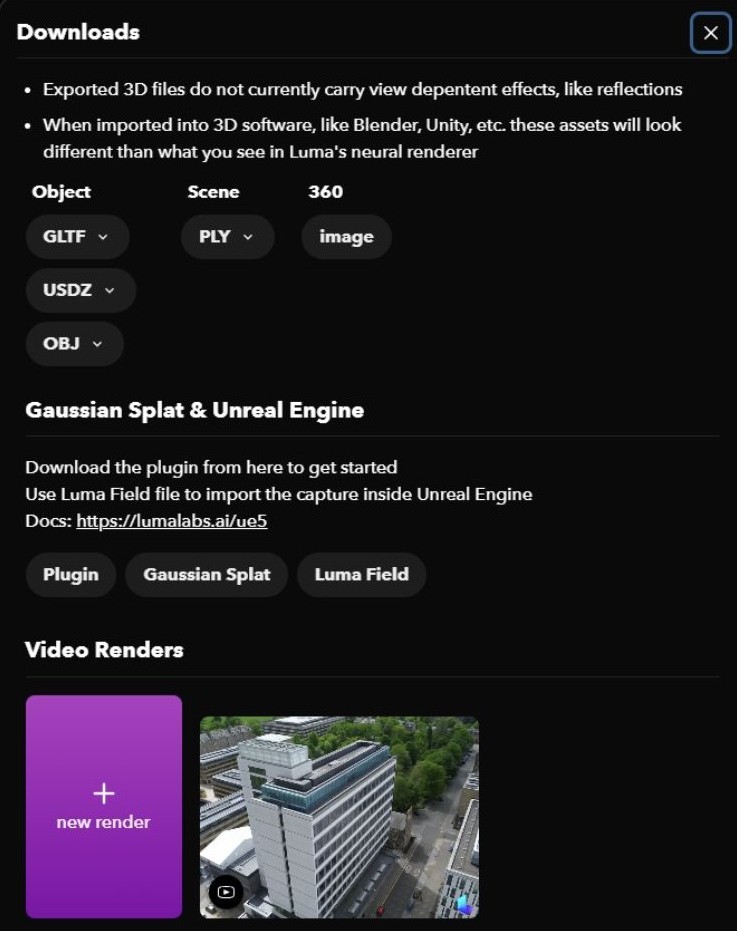
6. Once you have a finished model, click download on the top right of the page to export.
If you want to import your model into 3D editing software, a OBJ file is recommended.
For web rendering and game engines, the Gaussian Splat file format is best.