What is Vacuum Forming?
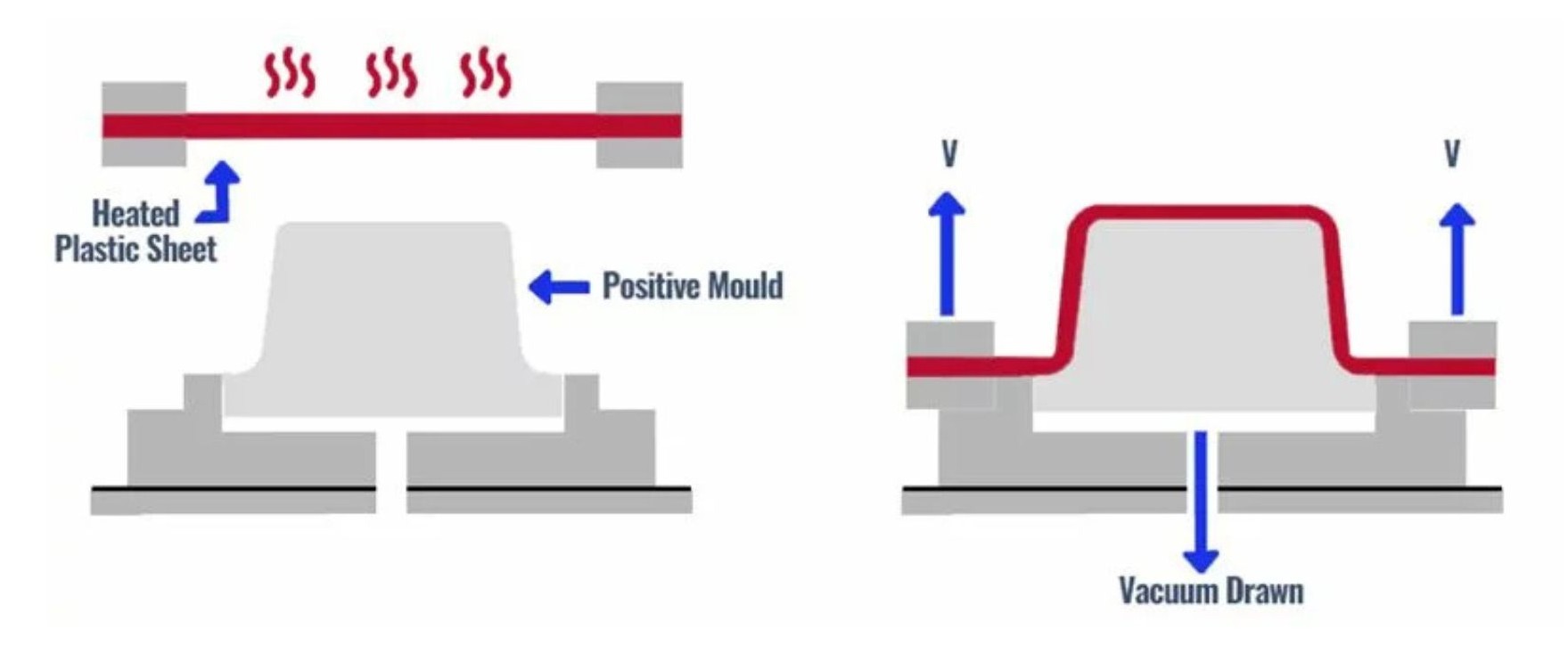
Vacuum forming creates 3D moulds of objects by pulling a heated sheet of thermoplastic (which has become flexible) over a form using pressure/suction.
The end result, when the sheet has cooled and the object has been removed, is a hollow shell of the plastic sheet in the shape of the object (but with one face of the object, the underside, with no shell). The plastic sheet is formed into a negative mould of the positive form.
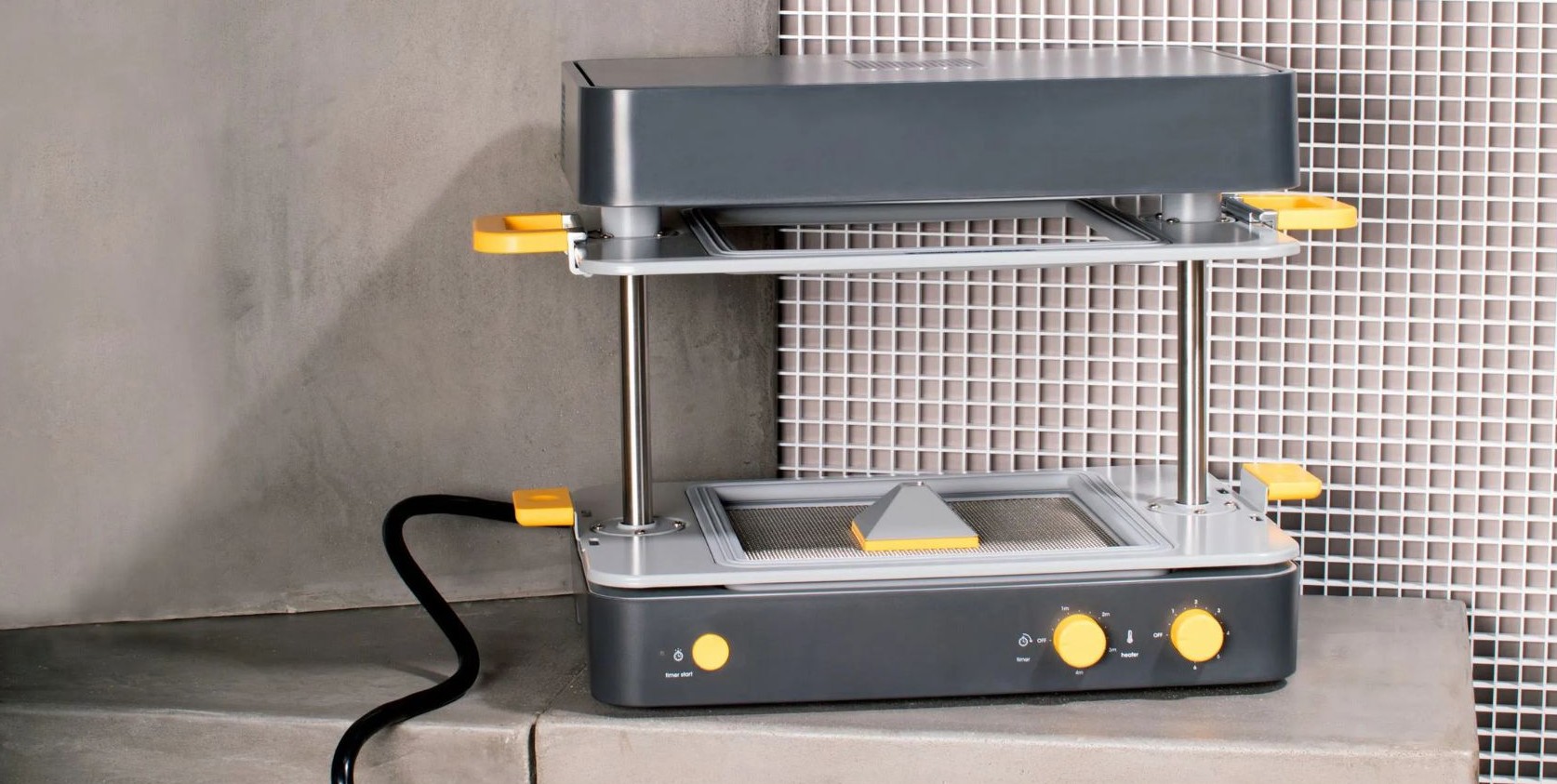
The vacuum former at uCreate is the Mayku FormBox vacuum former.
What could I use vacuum forming for?
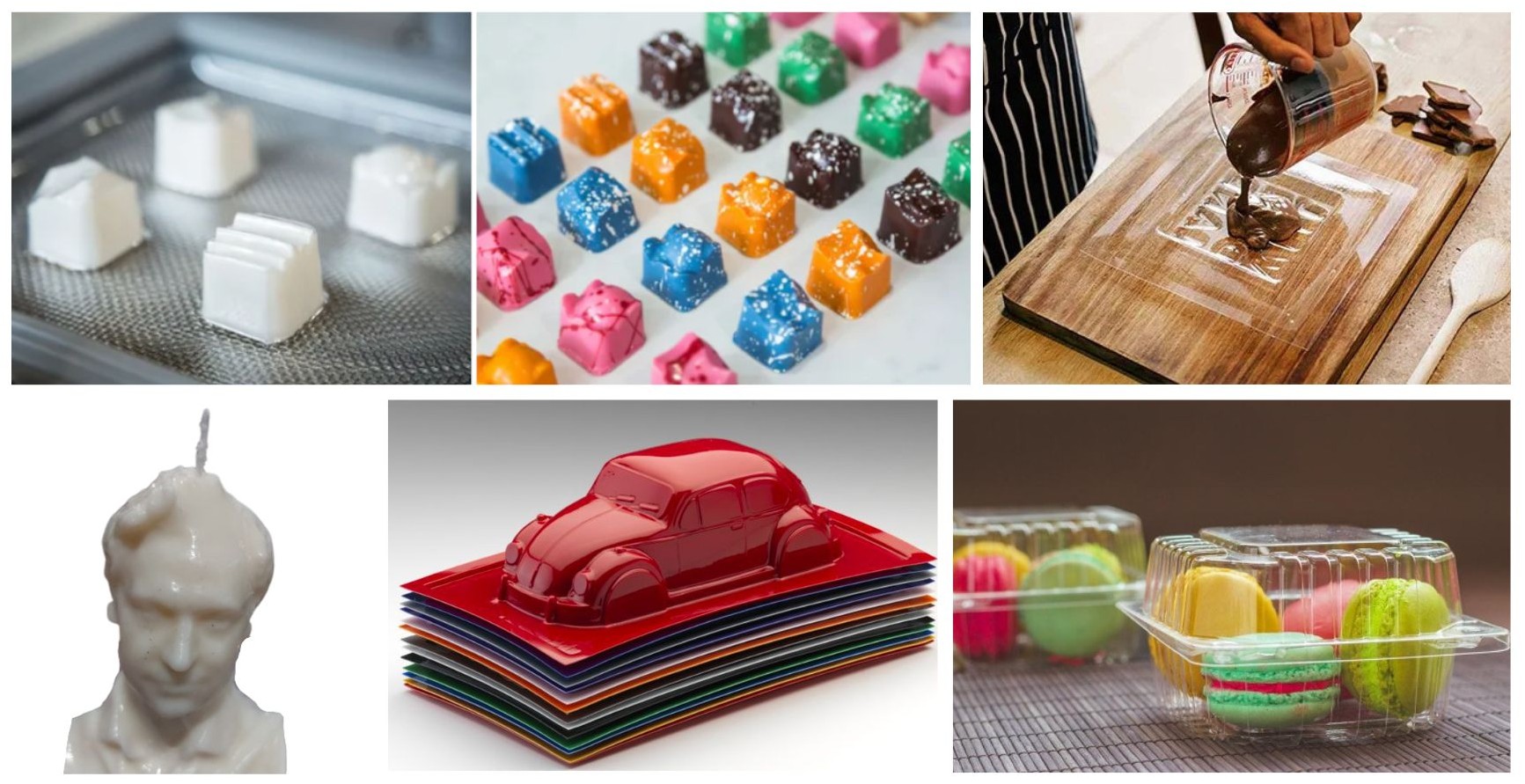
Vacuum forming is a useful tool when you either want to make an object which is formed from a thin plastic shell, or you want to make a mould to produce multiple of the same object.
Some uses are:
- Toys and models.
- Packaging.
- Moulds for candles.
- Moulds for chocolates.
- Creating a replica of an existing object without needing to digitise it.
What are the design considerations/limitations of vacuum forming?
There are some design considerations/limitations on what can be successfully vacuum formed, especially on a desktop vacuum former.
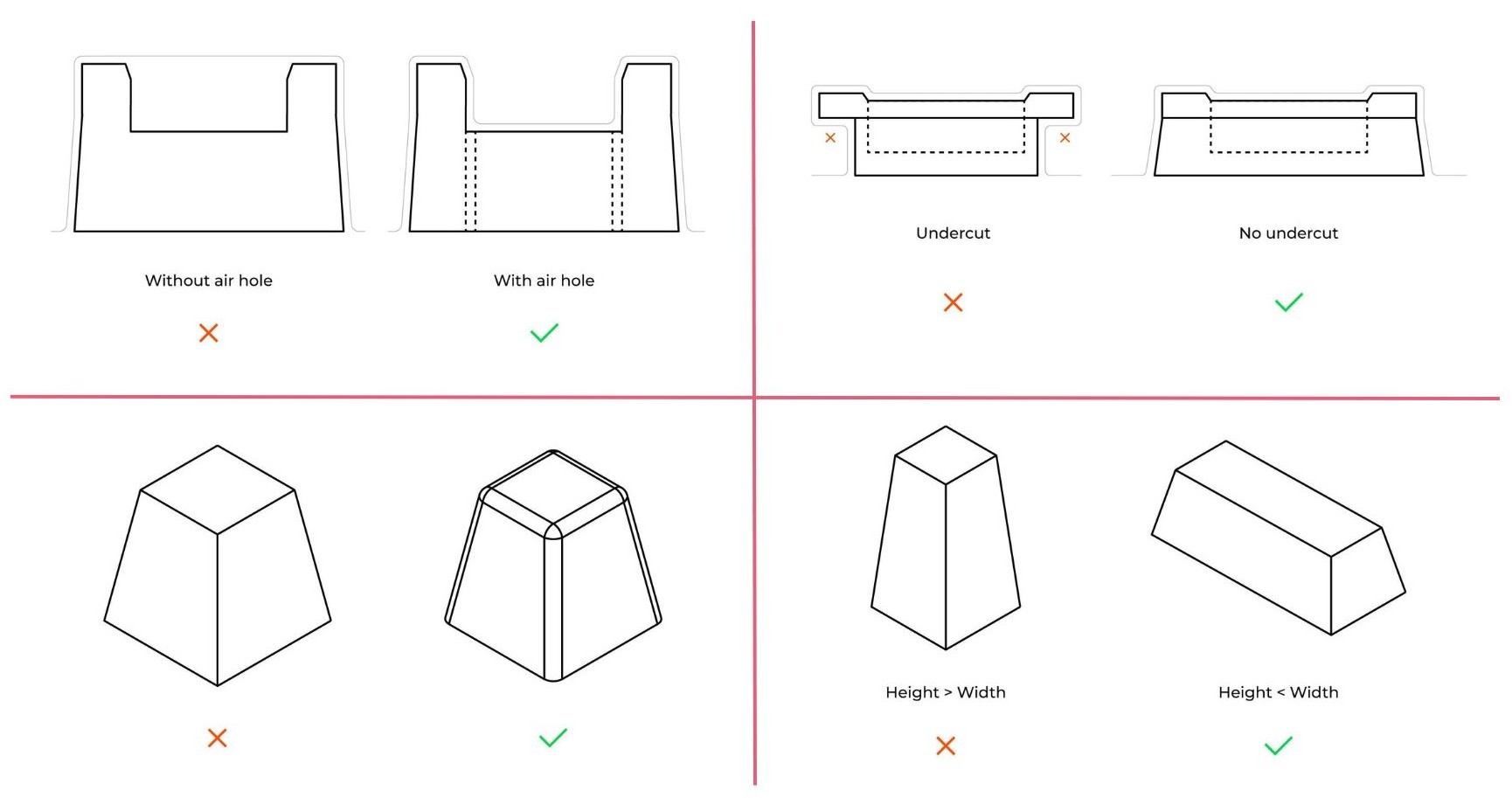
- Vacuum forming struggles with intricate details and sharp corners. Sharp corners can pierce through the plastic sheet used to make the form.
- Undercuts cannot be vacuum formed as the form will not be able to be removed from the formed mould.
- Models which require walls of a uniform thickness are difficult to produce through vacuum forming. Areas with deep draws (where the plastic needs to stretch further to cover the form) will have thinner walls.
- The better the air flows, the more detail your mould will have. This is especially relevant if your design has parts where the air can get stuck. In those areas it’s recommended to add small holes where the air can move. A 1mm hole may not even be visible in the mould, but it will greatly improve the mould quality.
- Wider models are easier to vacuum form than taller models.
Health and Safety.
The top of the Mayku vacuum former has a heating element in order to heat up the plastic to make it malleable for forming.
Do not touch the top of the machine while the heating element is on.

Vacuum forming material sheets available at uCreate.
uCreate has a stock of vacuum forming sheets available free of charge.
Each type of sheet will have a different use, these uses are below and also printed on the package of the sheets themselves. Not all sheets are food-safe.
The packaging of each type of sheet also includes timings and instructions for forming.
For most projects, we would recommend the 0.5mm Form Sheets. They are opaque white, food safe and a good all rounder.
Other sheets available are:
- 1.0mm Clear Sheets. PETg. Food safe. Durable long life moulds.
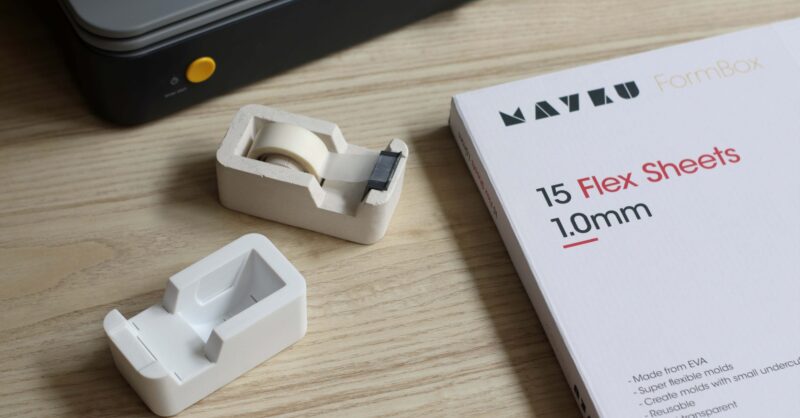
- 1.0mm Flex Sheets. EVA. Semi-transparent. Create moulds with small undercuts.
- 1.5mm Resin Sheets. LDPE. Food safe. Slightly flexible.
How can I access the vacuum former?
There is no training required to use the vacuum former, but you must have completed the makerspace induction.
The use of the vacuum former is covered in the formative manufacture training. If you have not attended the formative manufacture training, we recommend first using the former during staff time and asking for support.
You are able to book the vacuum former on the uCreate booking site, SISO.