What is Ultimaker?
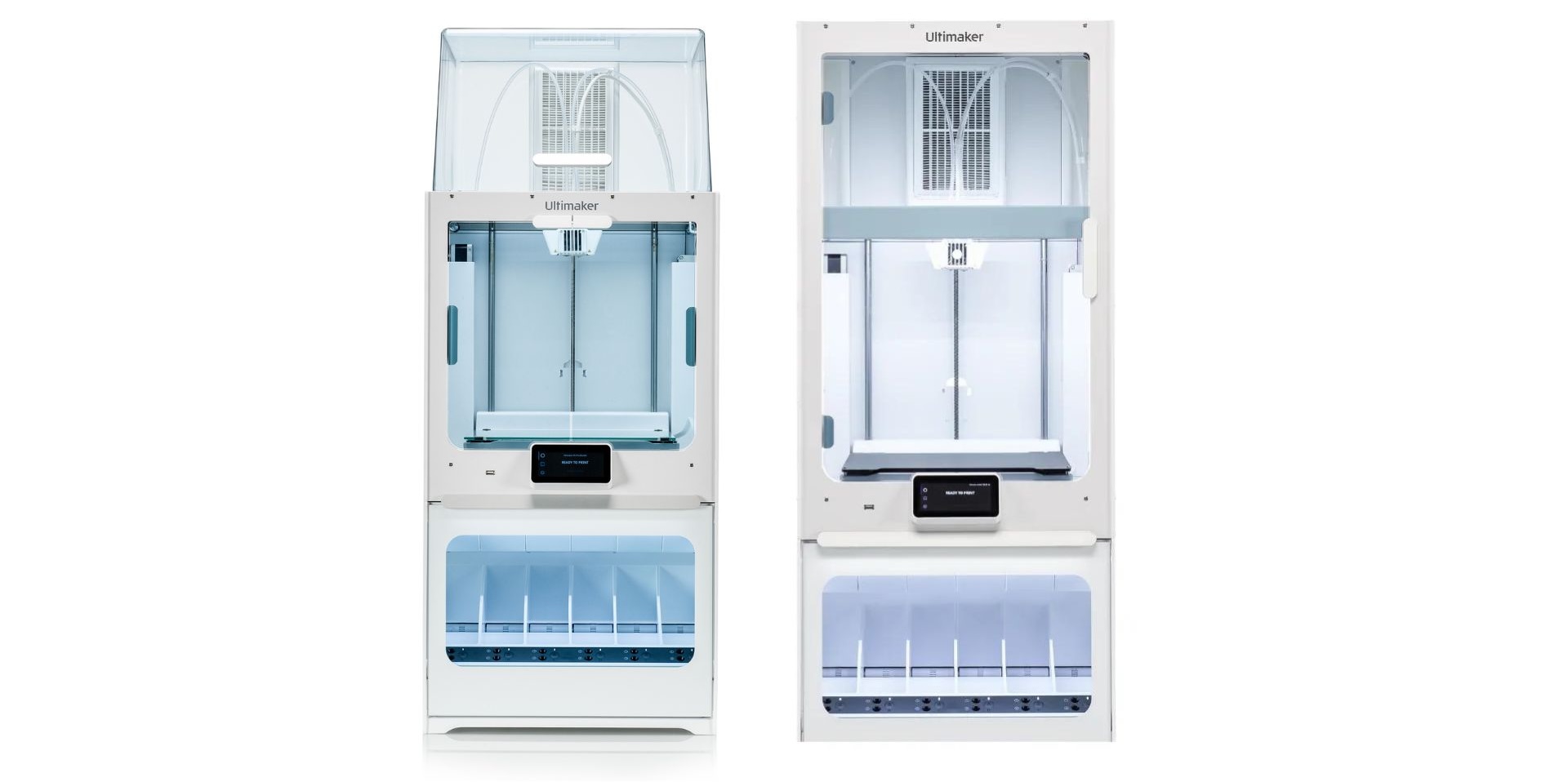
Ultimaker is a 3D printer manufacture, specialising in dual nozzle and dual material printing. At uCreate, we have seven Ultimaker printers. Six of these are the Ultimaker S7, and one Ultimaker S5. For comparisons of uCreate's different printers, see the choosing a 3D printer page.
The Ultimaker S5/S7 are bowden tube printers with a materials station.
Key features:
- 330 x 240 x 300 mm build volume.
- Multi material printing.
- Automatic bed levelling.
- Cura slicing software.
Recommended use: Multi material or high performance material printing.
What could I use the Ultimaker printers for?
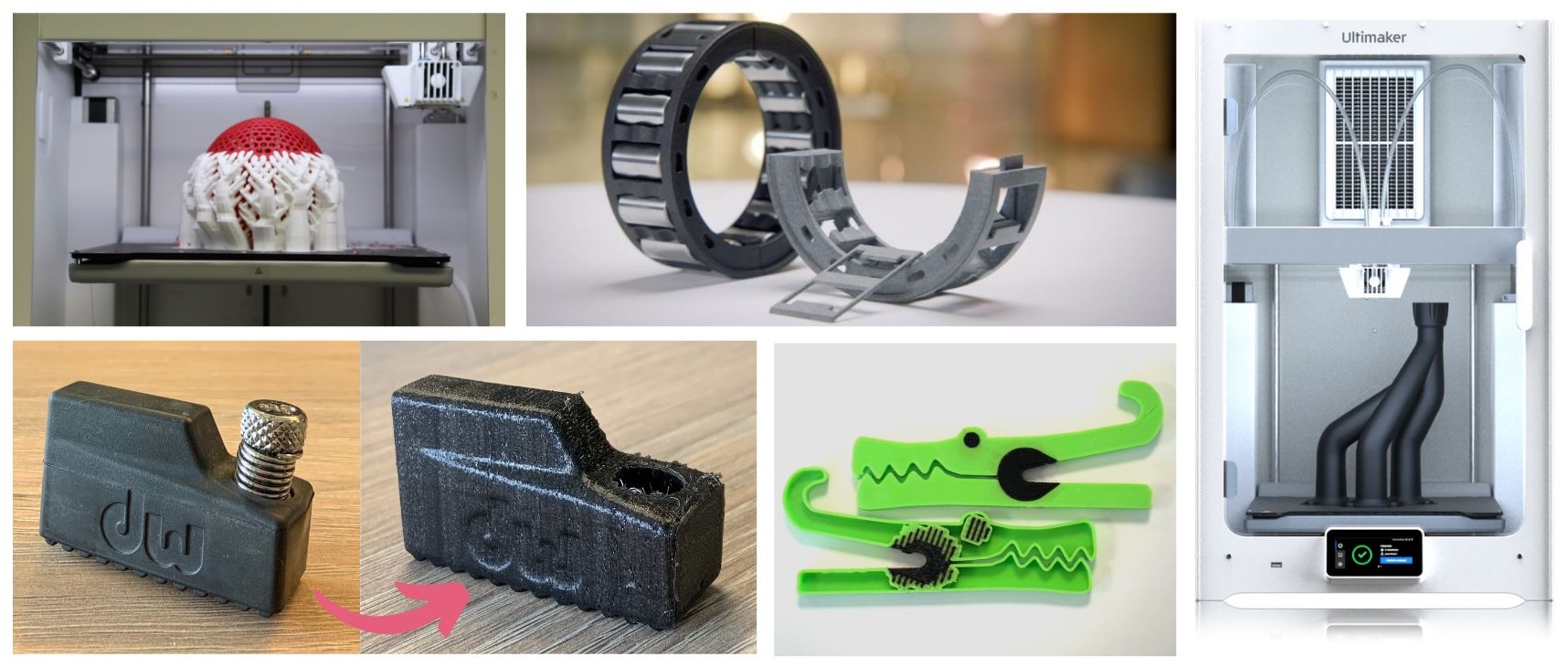
- Multi-material printing.
- Large prints.
- Printing models with breakaway support material.
What materials can I use in the Bambu Lab printers?
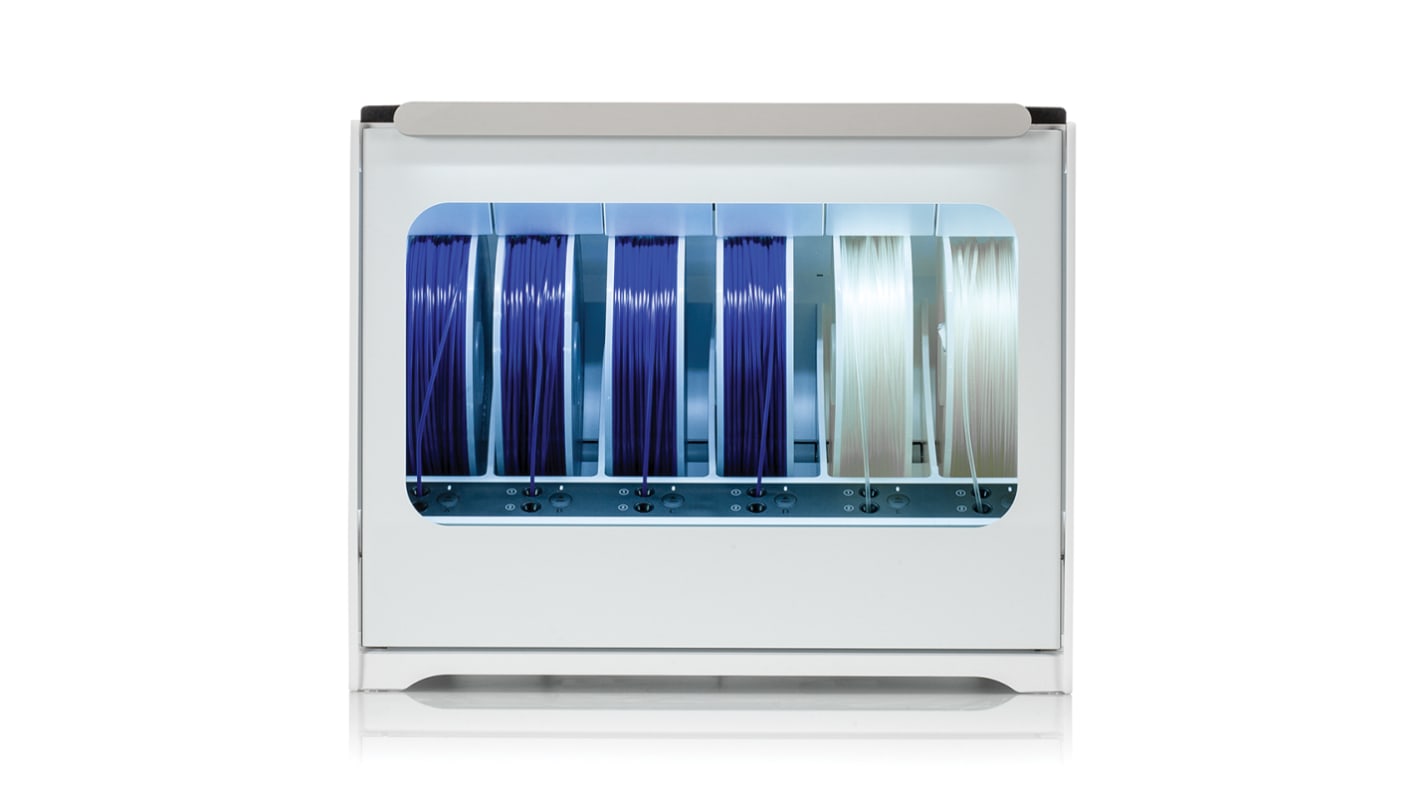
At uCreate, all FDM 3D printers use PLA as their main material. The Ultimaker printers are also able to use other materials like tough PLA, ASA, TPU and breakaway support material. See the FDM Materials Guide for more information.
The Ultimaker printers take filament with diameter 2.85mm.
All materials are provided for free by uCreate, if you would like to bring in your own custom material, please email us at ucreate.makerspace@ed.ac.uk.
How do I access the Ultimaker printers?
In order to use the Ultimaker printers, you will first need to be an inducted member of uCreate and have the 3D printer booked. If you have not yet been inducted, you can book an induction here.
If you have never 3D printed anything before, we recommend attending our 3D print training.
Our Ultimaker printers are available at both the Main Library in George Square and our mini-makerspace at Kings Buildings.
For information about slicing your 3D print on Cura, see the Cura slicing guide.
For the Ultimaker workflow, see here.

Where should I look for more information?
For more information, either look at our other 3D printing knowledge base pages or the Ultimaker support website.
Please do not perform any maintenance on our printers on guidance from the support website. Always speak to a member of uCreate staff.
If you are having issues with printing, see the common problems guide or speak to a member of uCreate staff.